How to size meeting room equipment
Start from the room, not the product sheet. Its size decides the camera's field of view, how far the microphones need to reach and how big the screen should be. Too small a kit crops people out of the picture and loses the voices at the far end of the table. Too large a kit costs more and leaves IT with extra devices to maintain.
Camera
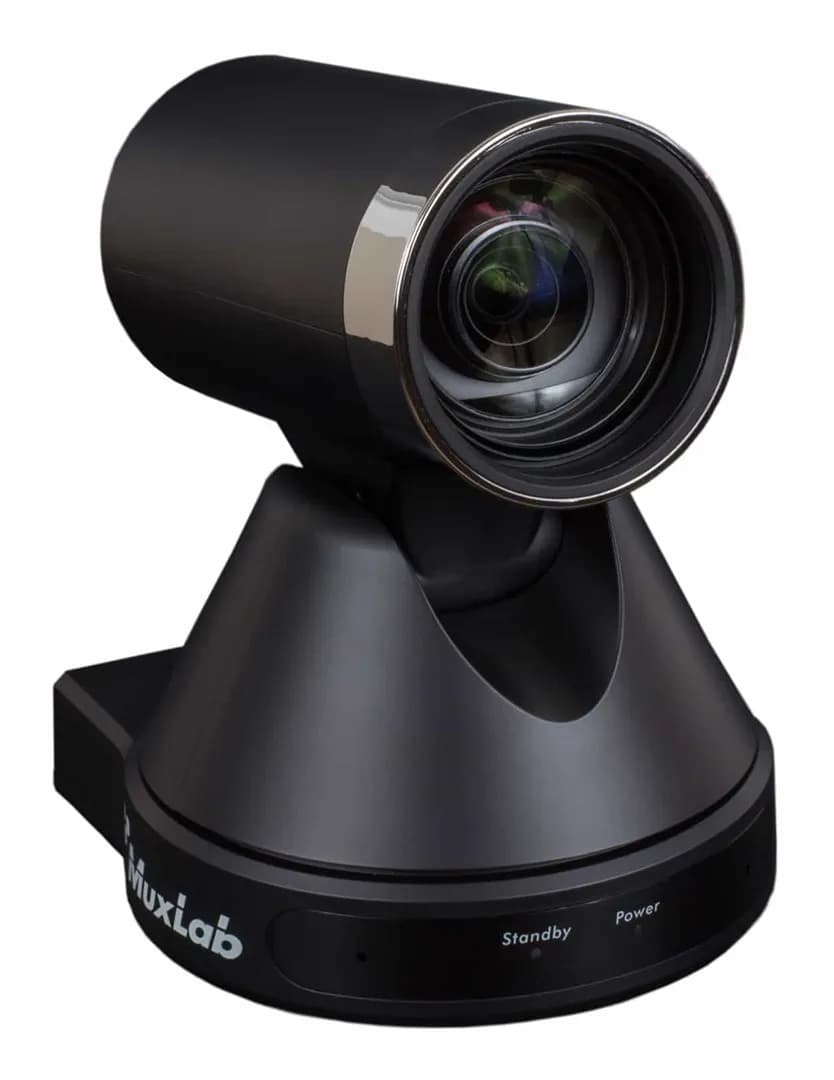
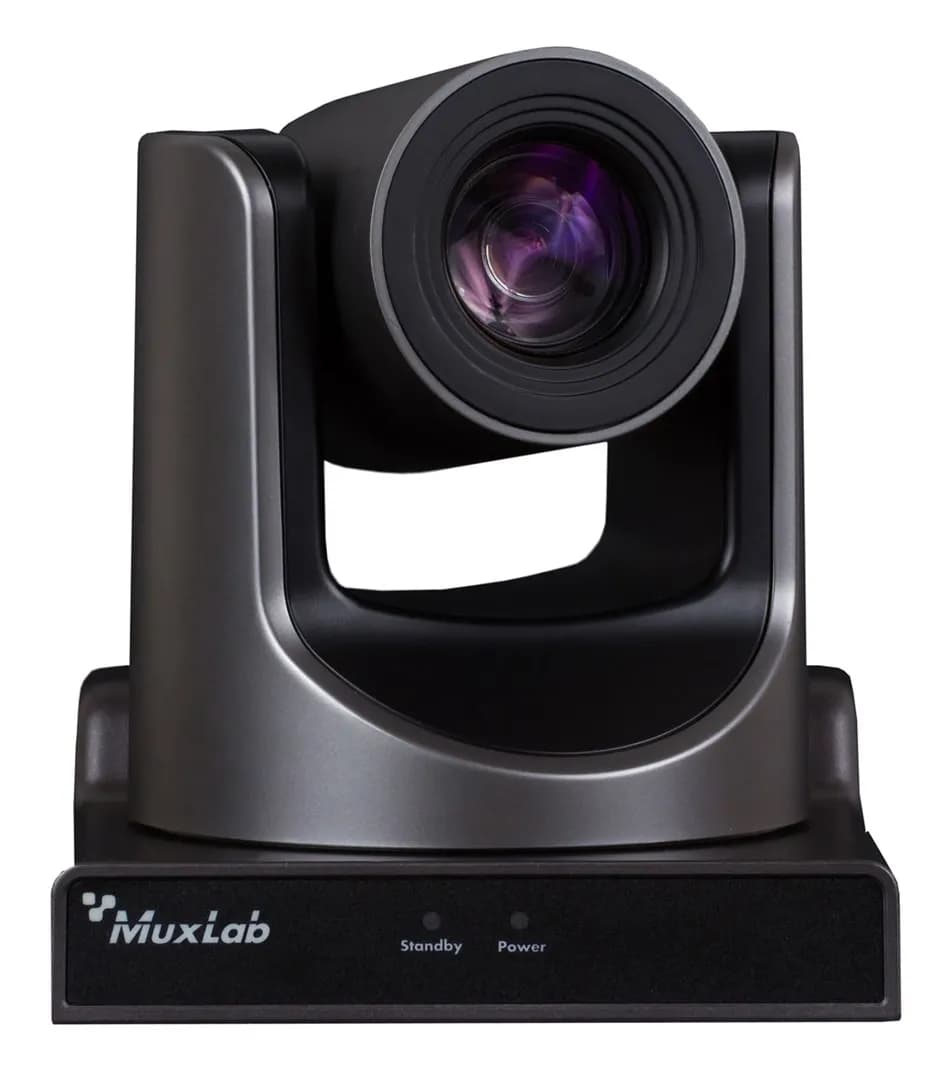
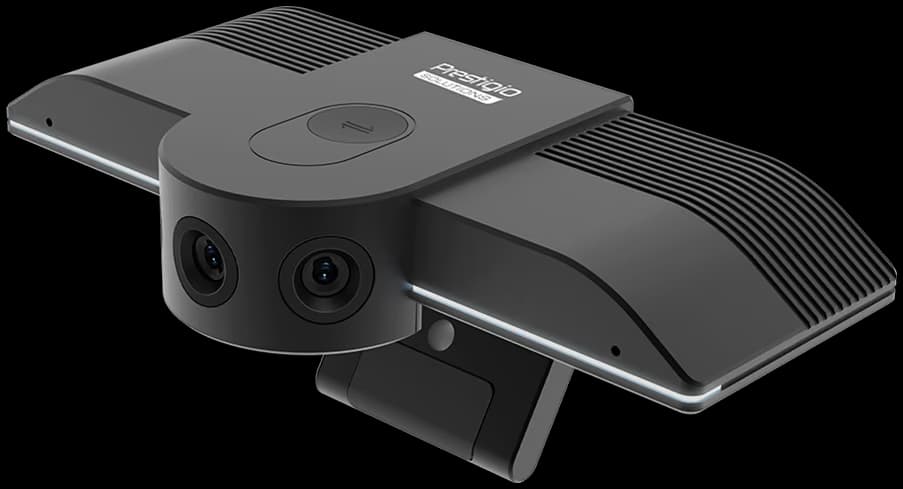
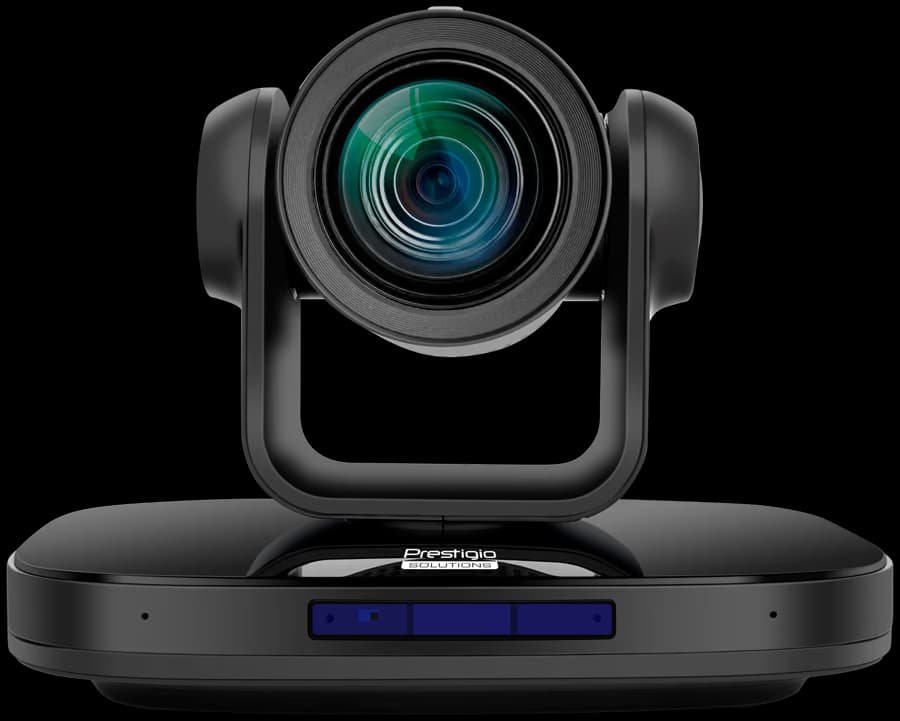
People in a small room sit close to the screen, so the camera needs a wide angle. In a large room optical zoom matters more: without it, remote participants see the far end of the table as a row of small figures. Auto-framing and speaker tracking help wherever people come and go mid-meeting.
Audio
Measure the distance to the farthest chair and compare it with the pickup range in the spec sheet. Longer tables need extra table or ceiling microphones. Rooms with glass walls and hard surfaces echo. In those rooms, audio usually causes more complaints than video.
Display
A common rule of thumb for presentation text is that the farthest participant sits no more than about six image heights from the screen. For spreadsheets and detailed drawings, closer to four. Medium and large rooms work well with two screens, people on one and content on the other. Interactive displays add whiteboarding for workshops and training.
Microsoft Teams Rooms in Poland or BYOD
BYOD
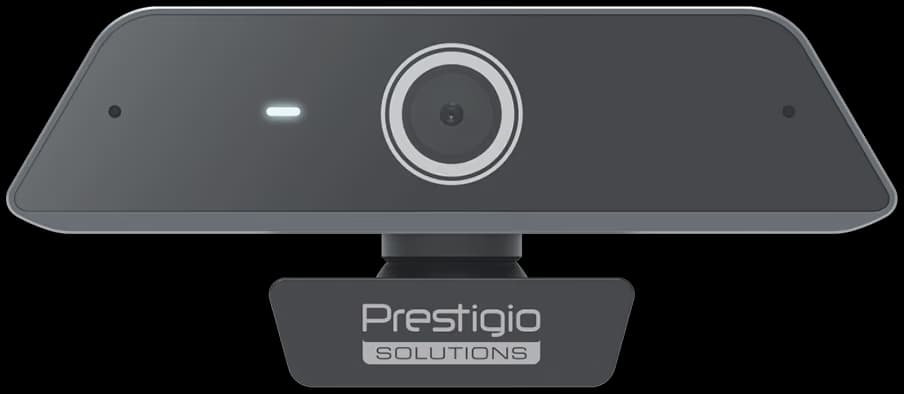
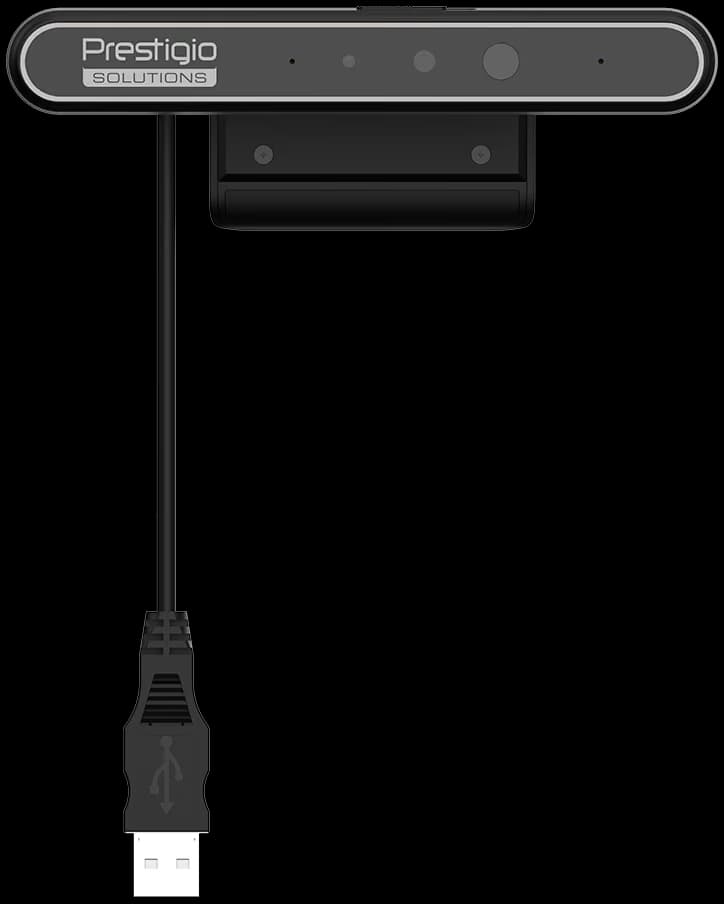
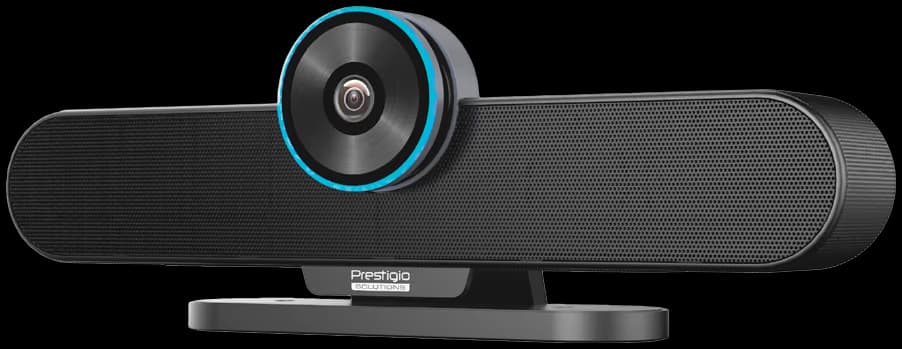
With BYOD (bring your own device), a USB video bar connects to the user's laptop with one cable and the call runs on that laptop. Teams, Zoom, Google Meet and Webex all work, no room licence is needed, and guests can run their own calls. On the other hand, every meeting starts with plugging in, and call quality depends on whose laptop it is.
Teams Rooms and Zoom Rooms
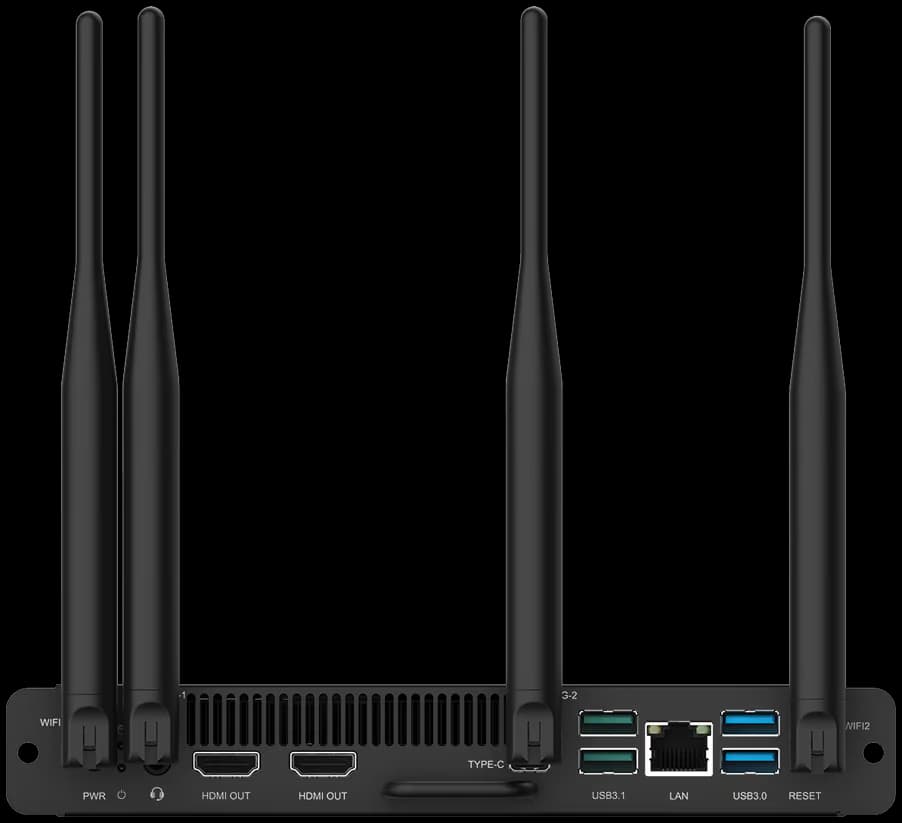
A dedicated room system has its own compute, a touch controller and a booking calendar. Meetings start with one tap on the table. IT manages every room from one console. It pays off in rooms that several teams book every day. Teams Rooms on Android usually runs on the video bar itself. Teams Rooms on Windows uses a separate compute unit and handles larger rooms with more peripherals.
Logitech Rally and Poly Studio in Poland
Logitech Rally covers Rally Bar Huddle, Rally Bar Mini and Rally Bar for small and medium rooms, and the modular Rally Plus with Rally Mic Pods for large rooms. The Poly Studio X family covers small to large rooms, with the X52 as a common choice for medium rooms, and the Poly Studio R30 is a USB video bar for small rooms. Several Rally Bar and Poly Studio X models can run either as a USB device for a laptop or as a standalone room system, so a room can start as BYOD and move to Teams Rooms later. The quote confirms which models are available.
Licences
A Teams Rooms system needs a Microsoft 365 resource account with a Teams Rooms Basic or Pro licence. Basic is free for a limited number of rooms. Pro is paid per room and adds advanced management and features. Zoom Rooms runs on a per-room subscription, and Google Meet hardware needs a Google hardware licence. Vendors change these plans from time to time, so check the current terms. Licences recur every year of the room's life, so put them in the budget next to the hardware. Want licences on the same order? Add them to the request and the quote shows availability and terms.
Video conferencing equipment for Warsaw offices and across Poland
Beyond the camera and screen, a working room has a booking panel at the door, an HDMI or USB-C cable on the table for guests, and a wired LAN connection. Teams Rooms and Zoom Rooms devices should not run on WiFi. Some controllers and panels take power over PoE, so check that the switch has free PoE ports. PoE switches are covered in networking and servers.
We are based in Warsaw and ship across Poland, to the European Union and to Ukraine. The kit ships in factory configuration. Send the item list to your IT team or AV installer before it arrives, because wall mounts, cable routes and a power socket at the display wall are easier to sort out in advance. Regular customers can apply for a credit limit. Fitting out a whole new office? See office setup, then send your floor plan through the quote request form.